✓OutboundAuthEmail authentication for cold emailers

Stop your emails from landing in spam.

Every email in spam is a client you never met. Free SPF, DKIM and DMARC audits, record builders, and a header analyzer — find the authentication issues hurting your deliverability and fix them in minutes.

Start with a record from your DNS panel

These tools inspect what you paste. They do not publish changes to your domain.

Watch: from spam folder to inbox in 45 seconds.

New · Free AI tool

Meet the Deliverability Copilot

Paste a bounce message or describe your spam problem — get a plain-English diagnosis with fix steps, in seconds. No signup.

The cost of the spam folder

Do the math on your list.

10,000
cold emails you send a month
40%
never reach the inbox
4,000
prospects who never saw you

Every one of them was a reply you never got.

Example with typical numbers — run the free audit above to see your real placement rate.

Tested against the industry standard

Same domains. Same verdicts.

On Oct 2, 2026 we ran the same domains through MXToolbox and OutboundAuth minutes apart. The DNS doesn’t lie — here’s what both tools said.

mxtoolbox.com

  • SPF v=spf1 redirect=… — both PASS, valid redirect chain
  • DMARC p=reject — both agree, full enforcement
  • 5 mail servers — both found all five (Google)
  • Zero blacklist hits — both agree

OutboundAuth’s score for mxtoolbox.com: 91/100

outboundauth.com

  • SPF v=spf1 -all — both PASS
  • DMARC p=reject — both PASS
  • No mail servers — both flag it
  • Blacklists: they check 68, we check 7

OutboundAuth’s score for outboundauth.com: 85/100

The honest gap: MXToolbox checks 68 blacklists and once caught a listing on an obscure list that our check missed — so we expanded from 2 lists to 7 the same day, and we publish the comparison anyway. Run any domain yourself: the check is free, live, and nothing is stored.

Domain health report

Enter your domain — we check your live SPF, DKIM, DMARC, mail servers and blacklist status in one go. No signup, results in seconds.

Private by design. Your browser queries public DNS directly — nothing is sent to our servers and nothing about your domain is stored.
Work with me directly

Done-for-you deliverability services

The tools above are free forever. If you'd rather have an expert set everything up correctly, pick a package — you work with me directly, no agency in between.

Deliverability Audit

$49 one-time
  • Full SPF, DKIM & DMARC record audit
  • Email header & authentication review
  • Written report with fixes in priority order
  • Delivered within 48 hours
  • $49 credited toward the full setup if you upgrade
Order on WhatsApp

See a sample audit report →

Monthly Monitoring

$29 / month
  • SPF, DKIM & DMARC records re-checked every week
  • DMARC aggregate reports read for you — see who is sending as your domain
  • Blacklist & reputation checks
  • Something breaks? You get a WhatsApp and email alert within one business day, with the exact fix written out
  • A short written summary every month — what was checked, what changed, in plain English
  • Cancel anytime — monitoring stops, and your records and reports stay yours
Order on WhatsApp

Not sure what you need?

Everything above this section is free — the tools, the Copilot, the guides. The three services exist for one reason: sometimes you want a specialist's eyes, or a specialist's hands, instead of your own time. Here's the honest way to tell which one you need — including when the answer is "none of them."

How to pick

Honest comparisons

Who each service is for

Questions buyers ask

Can I just do all of this myself, free?

Yes. The tools and guides on this page are the exact process — nothing is held back. You pay for time and certainty, not secrets.

How do I know if my problem is authentication or reputation?

Run the free domain health check above. If SPF, DKIM and DMARC all pass and mail still lands in spam, your problem is reputation or content, not records — the deliverability checklist walks the checks in the right order.

I only send from Google Workspace. Do I still need DMARC?

Yes. Workspace can sign your mail (DKIM) and authorize its servers (SPF), but DMARC is your domain's own policy for what receivers should do when checks fail — Workspace doesn't set that for you. The Workspace setup guide walks through the exact clicks.

What happens after I order on WhatsApp?

For the audit: your written report lands within 48 hours. For the setup: your records are configured and tested, and handed over inside the 7-day guarantee window — inbox-ready means SPF, DKIM and DMARC set up, passing and tested.

About

Hi, I'm Saqib Naseer Khan.

I'm a freelance email deliverability specialist. I set up SPF, DKIM and DMARC, configure Google Workspace and Instantly.ai for cold emailers, and fix the authentication issues that send legitimate emails to spam.

You'll work with me directly — no agency, no account managers, no markup. Message me on WhatsApp and I'll usually reply within a few hours.

Deliverability guides

Plain-language explainers on the records and reputation signals that decide whether your email reaches the inbox.

Guide · Bounce codes

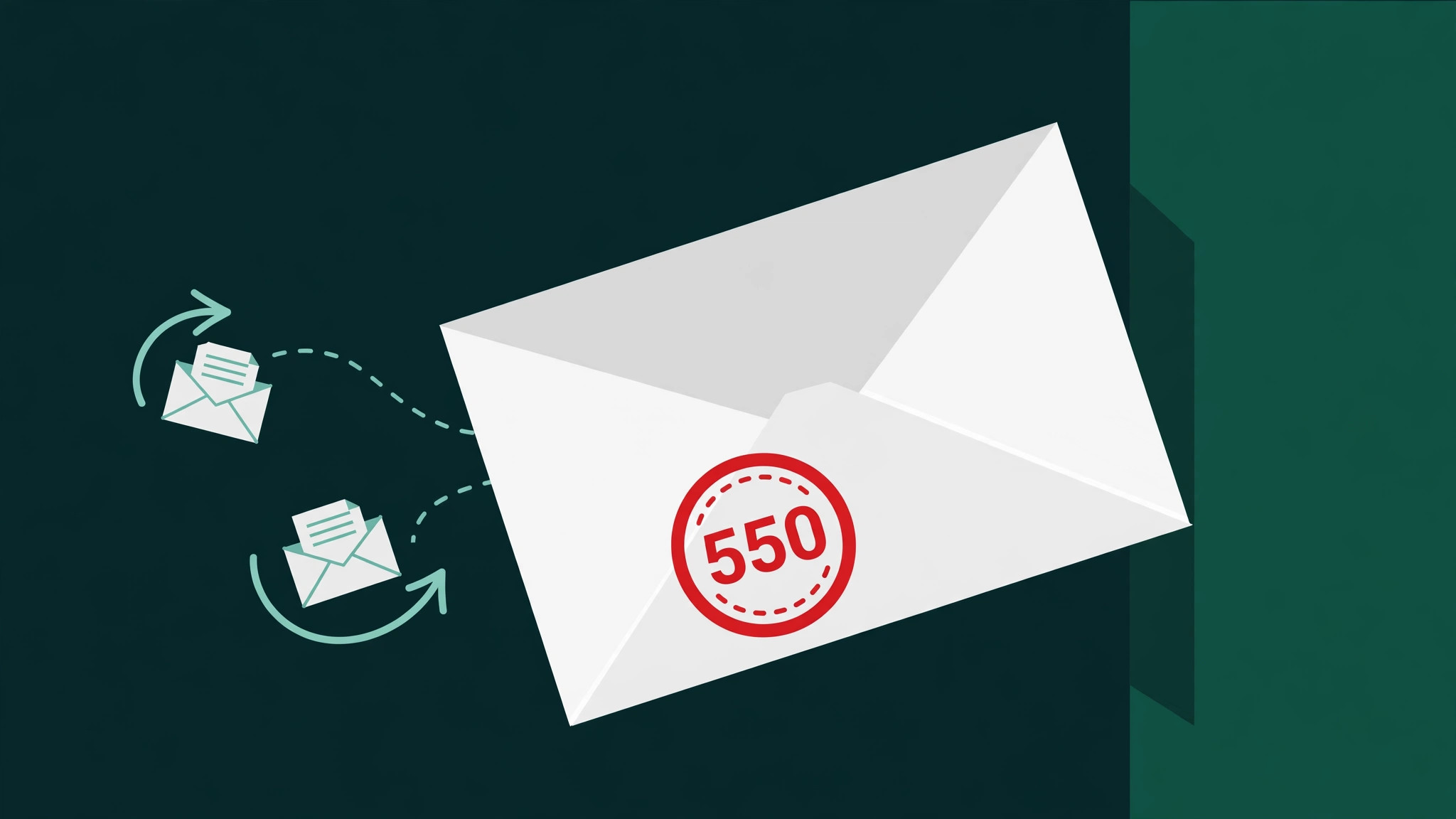
Email bounce codes explained: what 550, 421 & friends actually mean

Decode the errors senders actually see — hard vs soft bounces, the 550 and 421 families, and what to fix for each one.

Read the guide →
Guide · Microsoft 365

Microsoft 365 SPF, DKIM & DMARC setup: the exact clicks

From unsigned mail to full authentication — Defender portal clicks plus copy-paste SPF, DKIM and DMARC records.

Read the guide →
Guide · Deliverability

IPv6 and email deliverability: what actually changes

Does sending over IPv6 hurt deliverability? What Gmail and Microsoft require — PTR, forward-confirmed DNS, SPF ip6 — and why most senders still use IPv4.

Read the guide →
Guide · Checklist

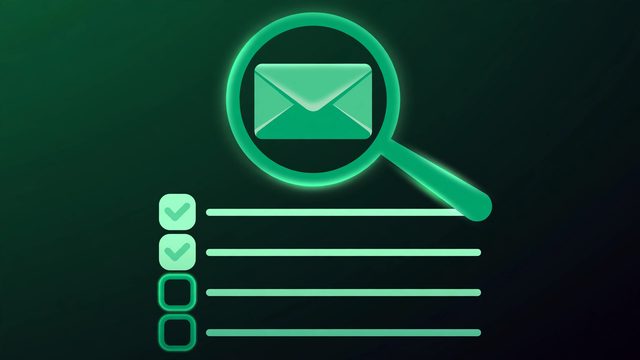
The cold email deliverability checklist: 20 checks before you press send

Run these checks across authentication, warmup, list hygiene, content and volume before every campaign.

Read the guide →
Guide · BIMI

BIMI: get your logo in the inbox

What BIMI needs before your logo shows in Gmail, Apple Mail and Yahoo: DMARC enforcement, a square SVG logo, and a VMC certificate — plus the setup steps.

Read the guide →
Guide · Email headers

How to read email headers like a deliverability pro

View full headers in Gmail and Outlook, decode Authentication-Results verdicts, and spot who really sent a message.

Read the guide →
Guide · DMARC

DMARC policies: none vs quarantine vs reject — when to use each

What each policy does to failing mail, how pct ramping works, and real-world examples of the safe move to enforcement.

Read the guide →
Guide · SPF

The SPF 10-lookup limit, explained

Why too many includes break SPF, how to count lookups in your record, and how to fix permerror with flattening.

Read the guide →
Guide · Warmup

Email warmup: what actually works (and what wastes your time)

Warmup pools vs. real engagement, realistic timelines, and the mistakes that tank your sender reputation.

Read the guide →
Guide · Google Workspace

Google Workspace SPF, DKIM & DMARC setup: the exact clicks

From unsigned mail to full authentication — admin console clicks plus copy-paste DNS records.

Read the guide →
News · SPF

Zendesk is now silently suspending emails with broken SPF

Since Sept 23, 2026, failed SPF without valid DKIM lands in the Suspended tickets view. Check your setup in 30 seconds.

Read the post →
Guide · SPF

SPF records explained: syntax, lookups & the 10-lookup limit

What each part of an SPF record does, why too many includes break delivery, and how to stay under the limit.

Read the guide →
Guide · DMARC

DMARC rollout: from p=none to p=reject without breaking mail flow

Policies, alignment modes, and aggregate reports — a safe step-by-step path to full enforcement.

Read the guide →
Guide · DKIM

DKIM explained: signatures, selectors & DNS records

How DKIM proves your email is genuine and unaltered — plus the mistakes that silently break it.

Read the guide →
Guide · Deliverability

Why your cold emails go to spam (and how authentication fixes it)

Authentication, reputation, content and list hygiene — the four levers that decide inbox placement.

Read the guide →

Where do I start?

Fourteen plain-language guides, written for senders, not DNS engineers. If you're new to this, don't read them in the order they're listed — read them in the order you'd fix things:

  1. The cold email deliverability checklist — 20 checks across authentication, warmup, list hygiene, content and volume, before you press send.
  2. SPF explained — authorize the servers allowed to send for your domain.
  3. DKIM explained — sign your mail so receivers can prove it's genuine and unaltered.
  4. The DMARC rollout guide — tie it together: from p=none to p=reject, without breaking your mail flow.
  5. Then the problem guides in the cards above — each one is a specific symptom, fixed.

SPF vs DKIM vs DMARC — the 30-second version

  • SPF proves the server was allowed to send. It doesn't prove the message wasn't changed on the way.
  • DKIM proves the message is genuine and unaltered. It doesn't, on its own, say what to do when a check fails.
  • DMARC is your policy: it ties SPF and DKIM to your domain and tells receivers what to do with failures — watch them, quarantine them, or reject them. You need all three; each covers a gap the others leave.

Who each guide is for

Questions, answered

Straight answers on email authentication and deliverability — no jargon.

Why are my emails going to spam if I'm not a spammer?

Spam filters don't know you're legitimate — they judge signals. The most common technical cause is broken or missing email authentication (SPF, DKIM, DMARC). Beyond that, sender reputation, email content, and list quality all play a role. Start with the free audit tools above: authentication is the fastest thing to check and fix.

Do I need SPF, DKIM, and DMARC — or is one enough?

You need all three. SPF authorizes which servers may send for your domain, DKIM proves messages are genuine and unaltered, and DMARC ties them together with a policy for handling failures. Gmail and other major providers increasingly expect all three, especially from bulk senders.

Will fixing authentication guarantee inbox placement?

Honestly: no, but it's the foundation everything else builds on. Authentication gets you past the technical filters; inbox placement also depends on your sender reputation, content, and how recipients engage with your emails. Fix authentication first — it's the quickest win — then work on the rest.

Do these tools change my DNS records?

No. The tools analyze records you paste in and tell you what's wrong in plain language. Any changes happen in your own DNS panel (or your domain registrar), so you're always in control.

How long does it take to fix deliverability?

Fixing the records themselves takes minutes; DNS changes usually propagate within a few hours. Rebuilding a damaged sender reputation takes longer — days to weeks of consistent, clean sending. That's why catching authentication problems early matters.

How is this different from hiring an outbound agency?

Agencies run your entire outbound system — lists, copy, sending, iteration — typically for $500+/month. OutboundAuth is the affordable path: free diagnostics and guides so you can fix things yourself, plus one-time expert help (audit, full setup, monitoring) when you want a specialist to handle the authentication side.